


Web data now drives critical modern business decisions.
From pricing strategies to competitor tracking and lead generation, teams across industries rely on structured web data to stay competitive.
Analysts estimate that the world generates over 328 million terabytes of data every day globally, and publicly accessible websites, platforms, and user-generated content sources create much of this data.
At the same time, demand for automated data collection is growing rapidly as businesses look for faster, more scalable ways to turn web information into actionable insights.
This shift makes no-code web scraping tools essential.
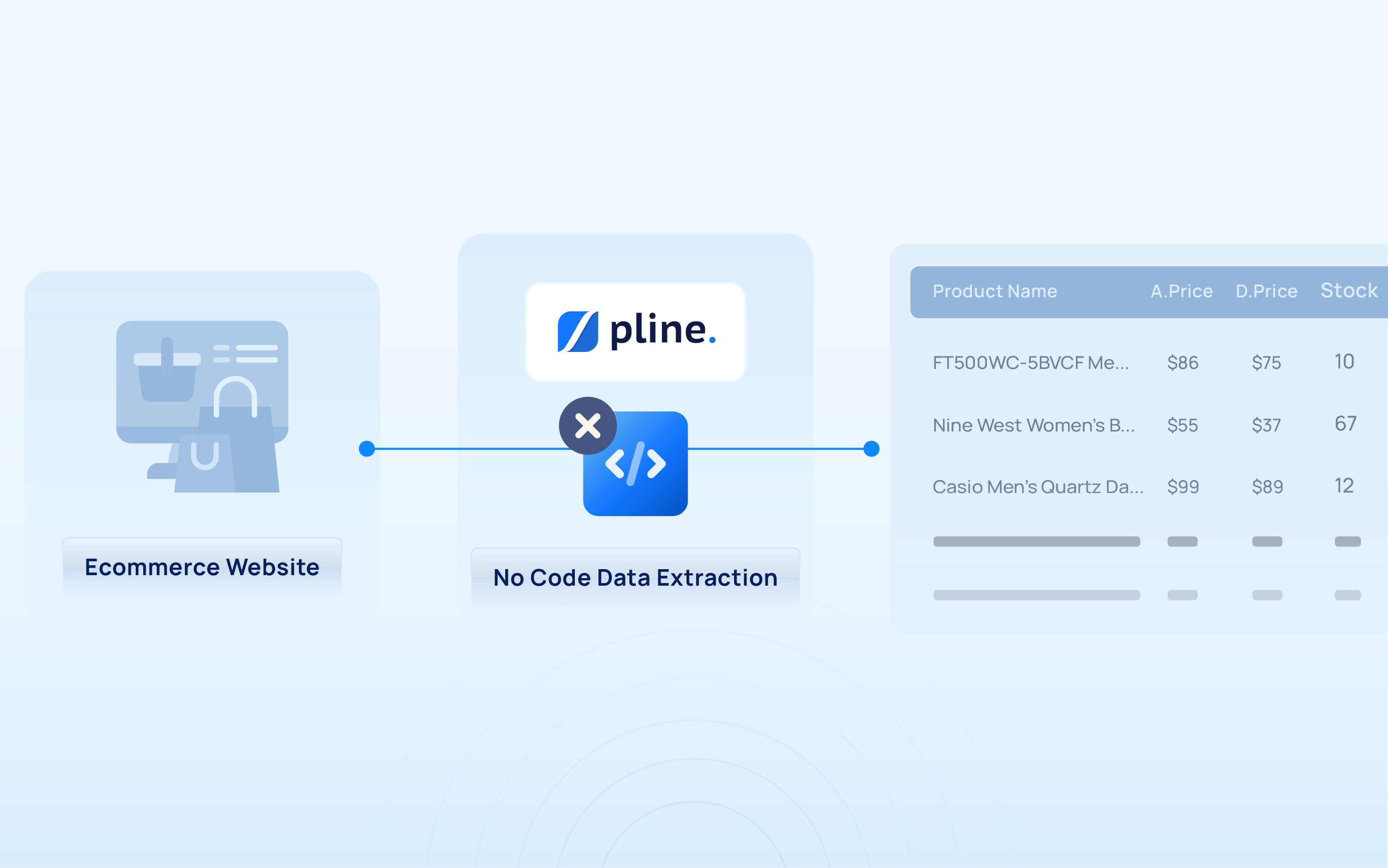
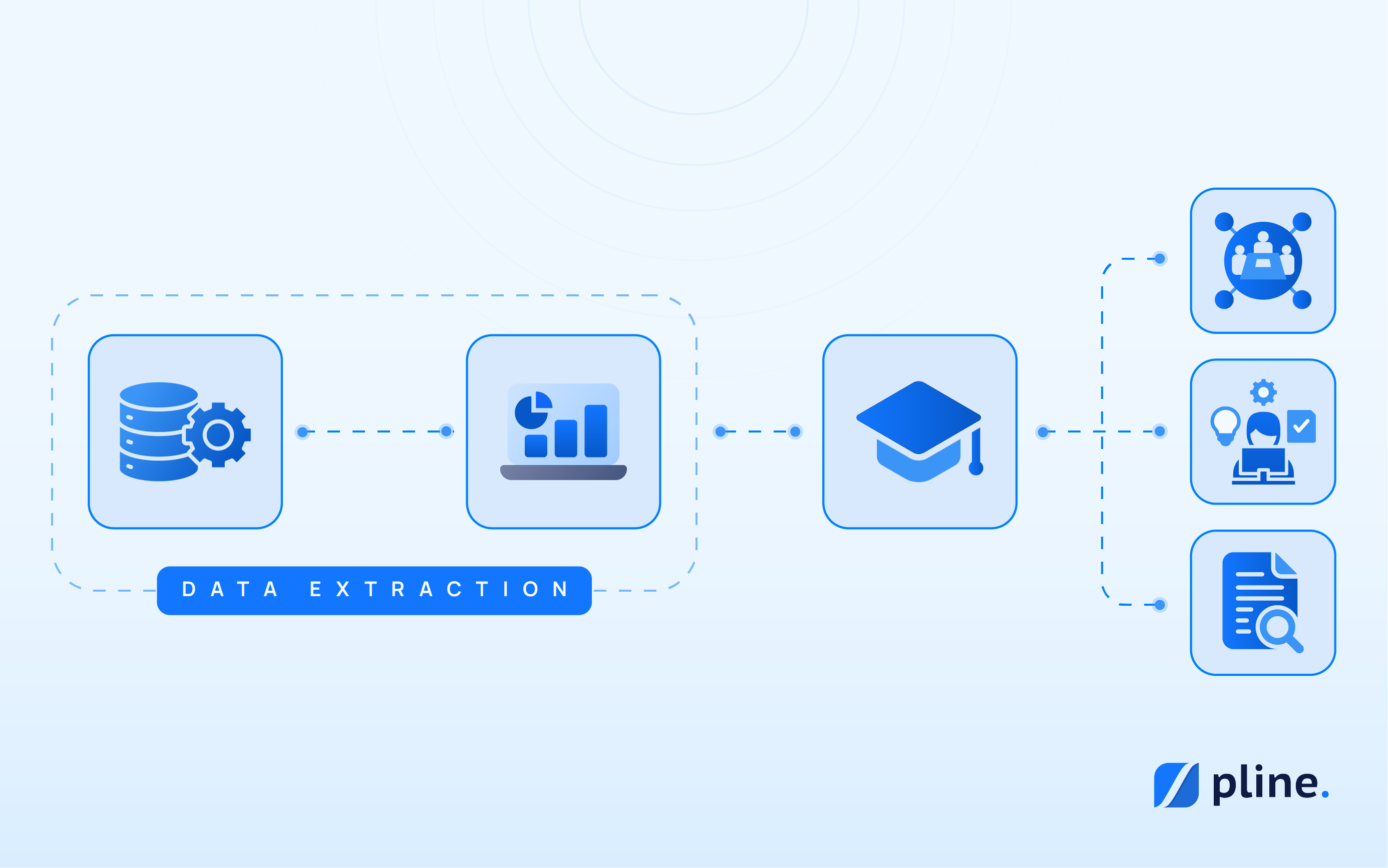
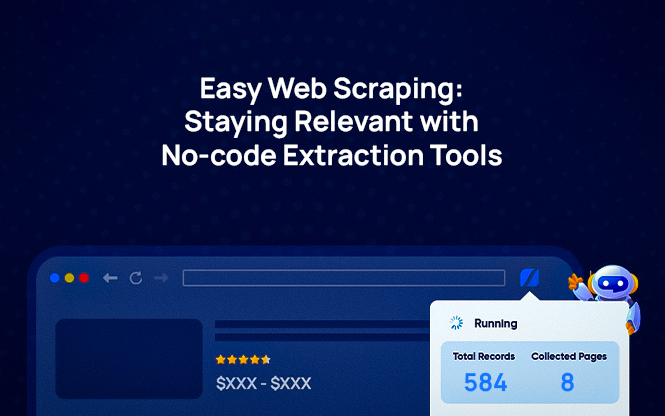
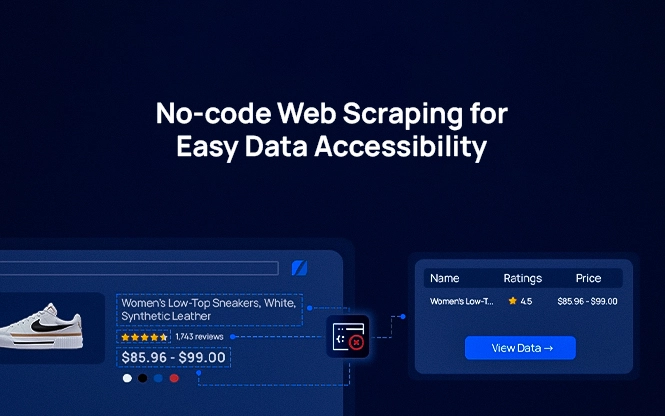
These tools let teams extract structured data from websites using visual workflows instead of writing code.
In this guide, we’ll compare the 10 best no-code web scraping tools in 2026, how they differ, and what workflows they are best suited for.
Why Businesses Are Using No-Code Web Scraping Tools
Businesses collect web data for many reasons: tracking competitors, analyzing pricing, generating leads, monitoring products, researching markets, studying recruitment trends, and reviewing customer feedback. Doing this manually quickly becomes overwhelming. Teams face repetitive work, missing or inconsistent data, changing website layouts, and endless spreadsheet updates.
No-code web scraping tools simplify this process. Users create visual extraction workflows without coding, which saves time, reduces errors, and keeps datasets organized. For businesses, this leads to faster insights, smarter decisions, and less time spent managing data collection.
| Tool | Best For | Key Strengths | Limitations |
|---|---|---|---|
| Pline | Structured workflows for teams | Visual workflows, dynamic site support, team collaboration, scheduling, reusable extraction pipelines | Newer ecosystem compared to legacy tools |
| Octoparse | General scraping tasks | Templates, cloud execution, visual builder | Workflow complexity increases at scale |
| ParseHub | Complex websites | JavaScript rendering support, flexible extraction logic | Steeper learning curve |
| Data Miner | Quick browser extraction | Chrome extension, fast setup | Not suitable for large-scale workflows |
| Import.io | Enterprise-scale workflows | Strong infrastructure, integrations | High pricing |
| Apify | Automation-heavy workflows | Workflow automation ecosystem, integrations | More technical setup required |
| WebHarvy | Small business scraping | Point-and-click interface | Limited integrations |
| Diffbot | AI structured extraction | Automated content structuring | Premium pricing |
| Visual Web Ripper | Multi-site scraping | Advanced extraction flexibility | Outdated interface |
| Helium Scraper | Technical workflows | Highly customizable workflows | Requires setup |
Comparing Tools: How Pline Stands Out
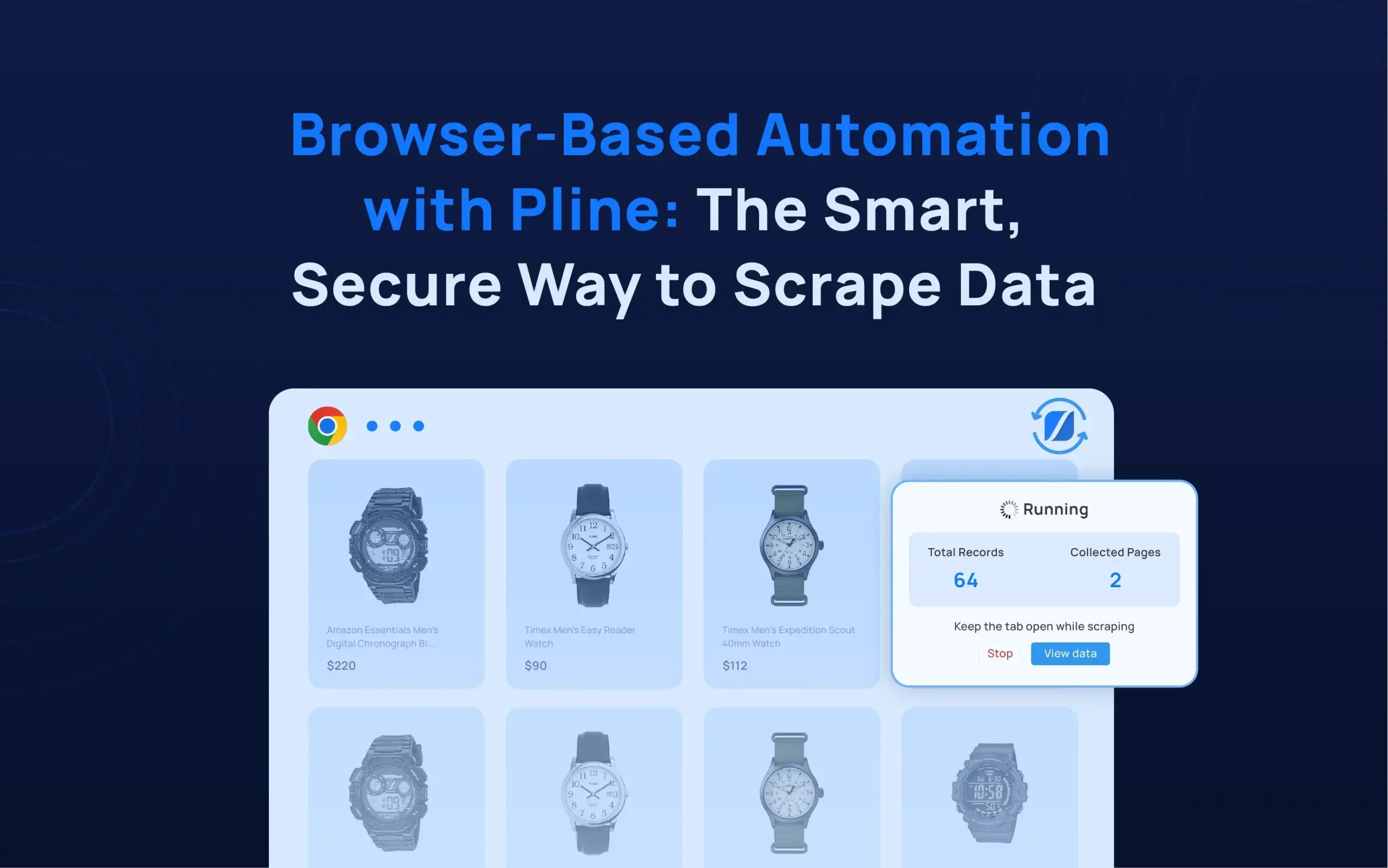
Pline is a no-code web data extraction tool built for teams that need structured data from websites without setting up or maintaining custom scraping systems.
Its workflow-based approach differentiates it from other tools. Instead of treating scraping as a one-time task, users define extraction logic visually and reuse it across similar pages or projects. This makes the process more repeatable and easier to manage.
It also focuses on consistency in team environments. By standardizing how workflows are created and used, it reduces variation in data outputs across different users and projects, which improves overall reliability when teams work with structured datasets.
In practice, teams often use it for ongoing data needs such as competitor tracking, product and catalog collection, and research workflows where repeatability and structured outputs matter more than one-off extraction tasks.


Use Cases Across Industries
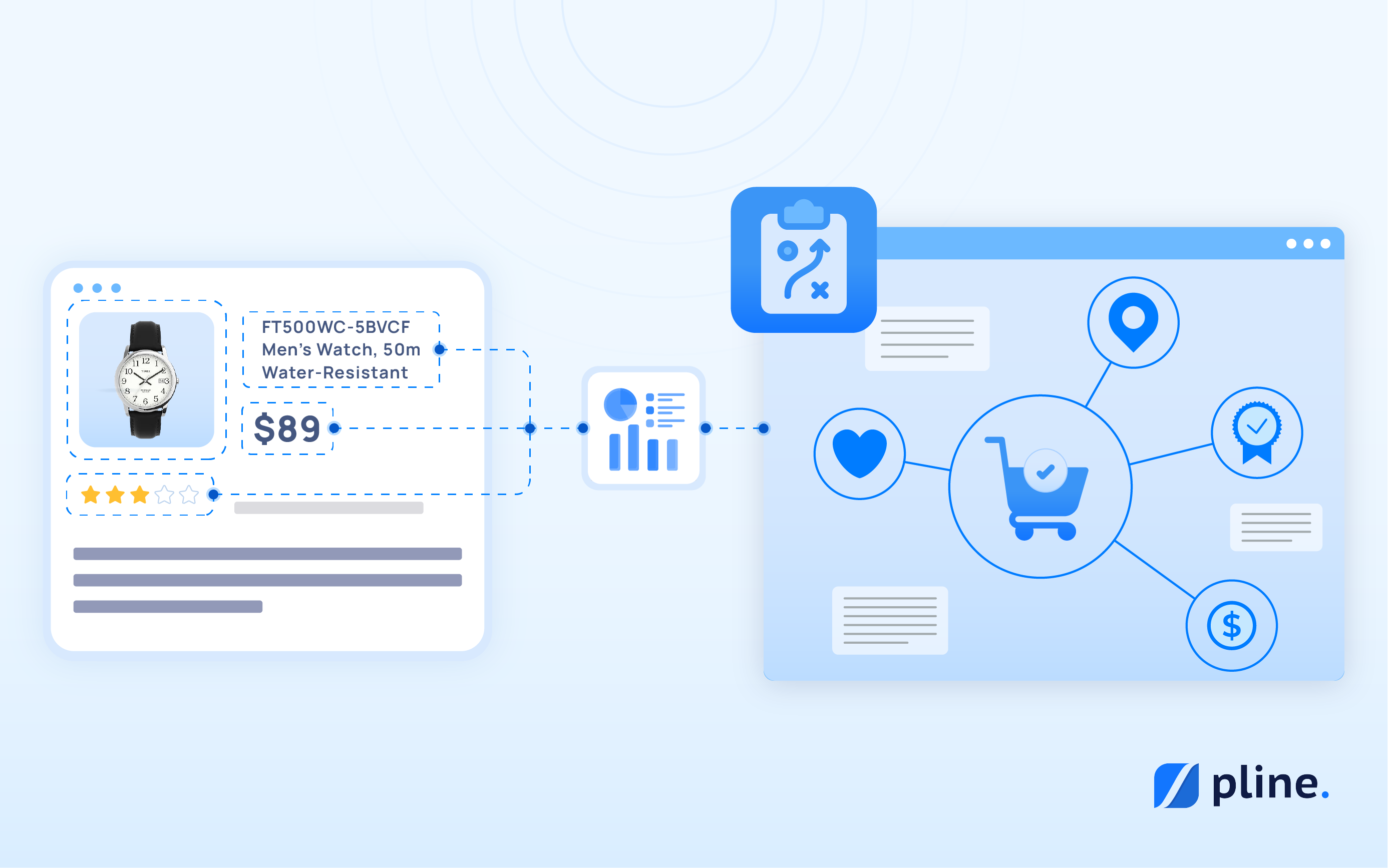
- E-commerce: E-commerce teams track competitor pricing, product reviews, and stock availability across multiple platforms. This helps them understand product positioning and pricing shifts in a competitive market.
- Market Research: Market research teams use publicly available web data to follow emerging trends, monitor product launches, and stay informed about industry developments. This gives a clearer picture of changing demand and category movement across different markets.
- Lead Generation: For lead generation, businesses extract structured information such as company names, contact details, and service categories from public directories and websites. The collected data is then organized into usable lists for sales outreach and business development.
- Social Media Monitoring: Social media monitoring focuses on signals like brand mentions, hashtags, and influencer activity found across platforms. These insights help teams understand visibility, audience engagement, and overall brand presence online.
- Product Development: Product development teams analyze competitor listings and customer reviews to identify recurring feedback, feature gaps, and sentiment patterns. This information is often used to refine product features and improve user experience.
Bringing Web Data Into Everyday Business Workflows
No-code web scraping tools have become an important part of how modern teams work with web data. As the volume of online information continues to grow, businesses are shifting toward tools that make data collection more structured, repeatable, and easier to manage without heavy technical effort.
Each tool in this space serves a slightly different need, from simple browser-based extraction to more advanced workflow automation for larger teams. The right choice usually depends on how complex the data source is, how often the data needs to be collected, and how teams plan to use the output.
What remains consistent is the need for clean, reliable, and well-structured data that can support faster decision-making across pricing, marketing, research, and product workflows.
For teams looking to move beyond manual data collection, no-code platforms offer a practical way to bring web data directly into everyday business operations.
If you’re ready to start building structured web data workflows without code, why not try a tool like Pline and see how much time it can save your team?
Frequently Asked Questions
What are no-code web scraping tools?
They let users extract structured data from websites using visual workflows instead of coding.
What kind of data can businesses extract?
Common data includes product details, pricing, reviews, business listings, job posts, and social media signals.
Do users need coding skills?
No. These tools rely on visual, point-and-click workflows.
Which industries use web scraping the most?
E-commerce, market research, lead generation, marketing, and product development teams use them widely.
How does e-commerce use web scraping?
Teams use it to track competitor prices, product availability, and customer reviews.
Can it support lead generation?
Yes. Businesses collect contact and company details from public websites and directories.
How do no-code tools differ from traditional scraping?
No-code tools rely on visual workflows, while traditional scraping requires writing and maintaining code.
Are these tools secure and compliant?
Yes, when users follow ethical scraping practices and respect website terms. Tools like Pline focus on secure and compliant data extraction.