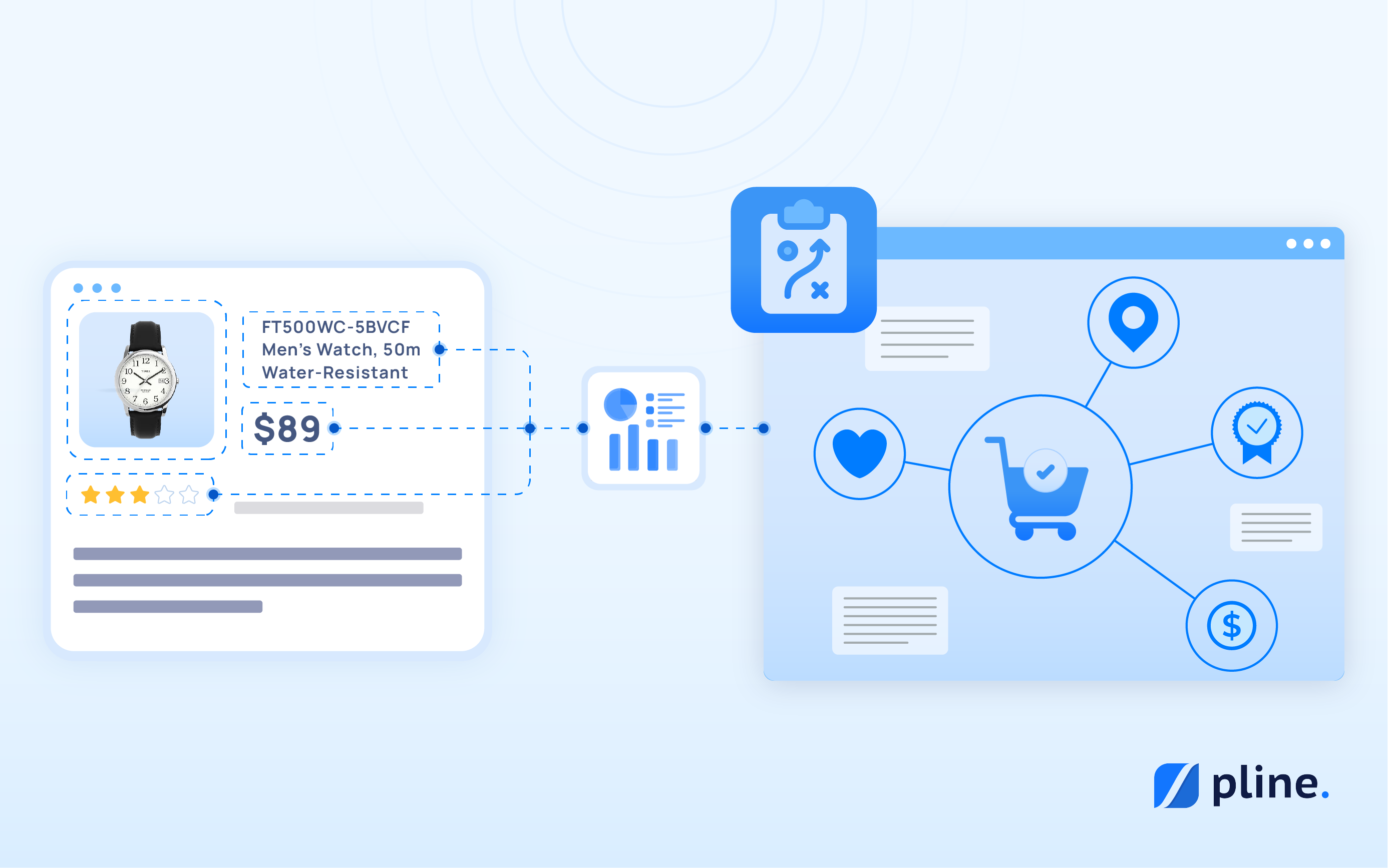



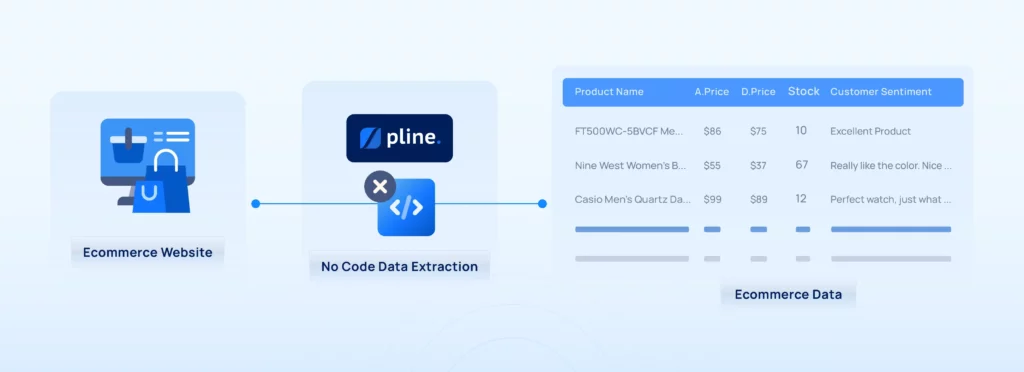
Ecommerce managers can develop efficient strategies by analyzing competitor websites for insights on pricing, promotions, and product offerings. Yet, this process often requires complex coding and dedicated time allocation, making it difficult to establish efficient processes.
Many Ecommerce managers resort to outsourcing the data extraction process to address this challenge. However, a more effective solution exists: Pline’s automated workflows that instantly extract data without coding.
Why is an Efficient Ecommerce Data Extraction Process Necessary?
At the heart of every successful Ecommerce business lies a well-organized system. That is developed using real-time data to:
- Streamline operations.
- Automate repetitive tasks.
- Ensure that each part of the operation is in sync.
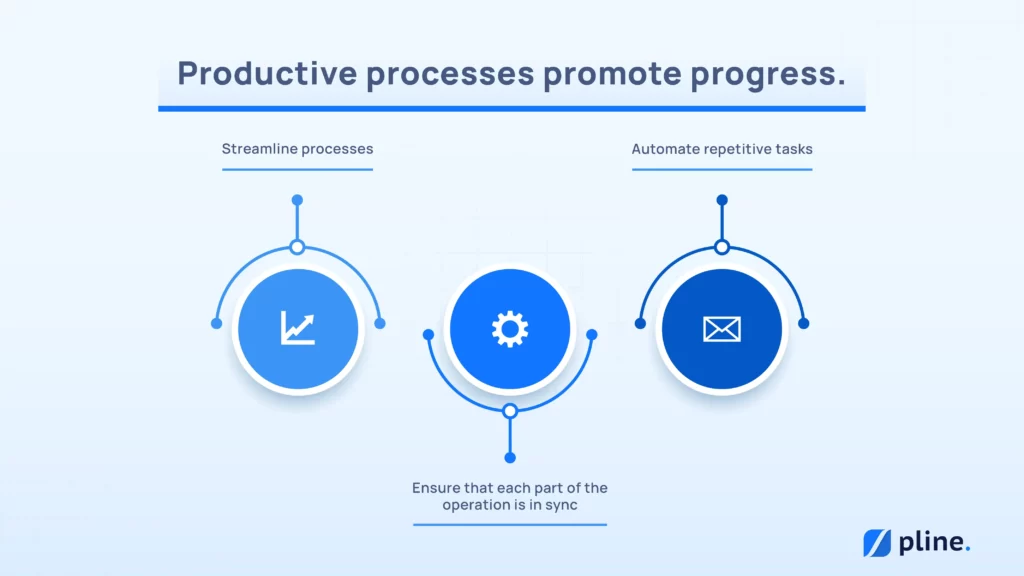
However, creating an efficient process requires more time and expertise than many Ecommerce managers anticipate. As a result, many turn to outsourcing through freelancing platforms. While this can provide support, it introduces new challenges.
The Hidden Problems with Outsourcing Data Extraction Process
Outsourcing to freelancing sites to develop an efficient data extraction process for your Ecommerce needs may seem the most logical way. Still, it’s crucial to understand that once you’re locked with a freelancer, you’re often stuck and unable to make even minor adjustments without going through them.
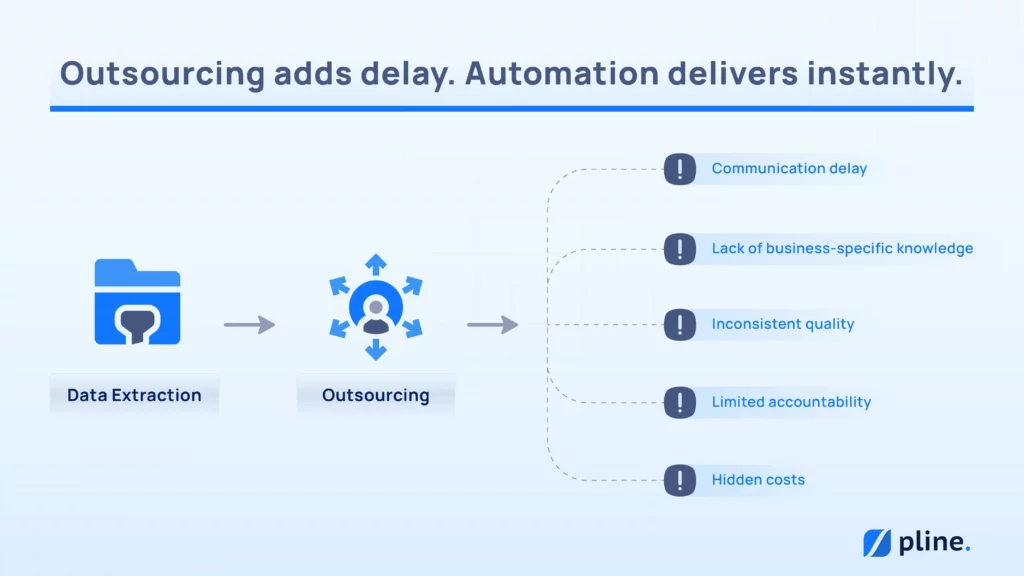
This dependency limits flexibility and causes delays if the freelancer is unavailable or unresponsive. There are also additional hidden factors to consider:
- Communication delays due to time zone differences.
- Lack of business-specific knowledge or context.
- Inconsistent quality from freelancers with varying expertise.
- Limited accountability in project management and delivery.
- Hidden costs of revisions and project extensions.
With Pline, you don’t have to settle for broken promises or lose control.
Your business.Your data needs.Your process.


Pline: Simplifying Process for Efficient Ecommerce Web Data Extraction
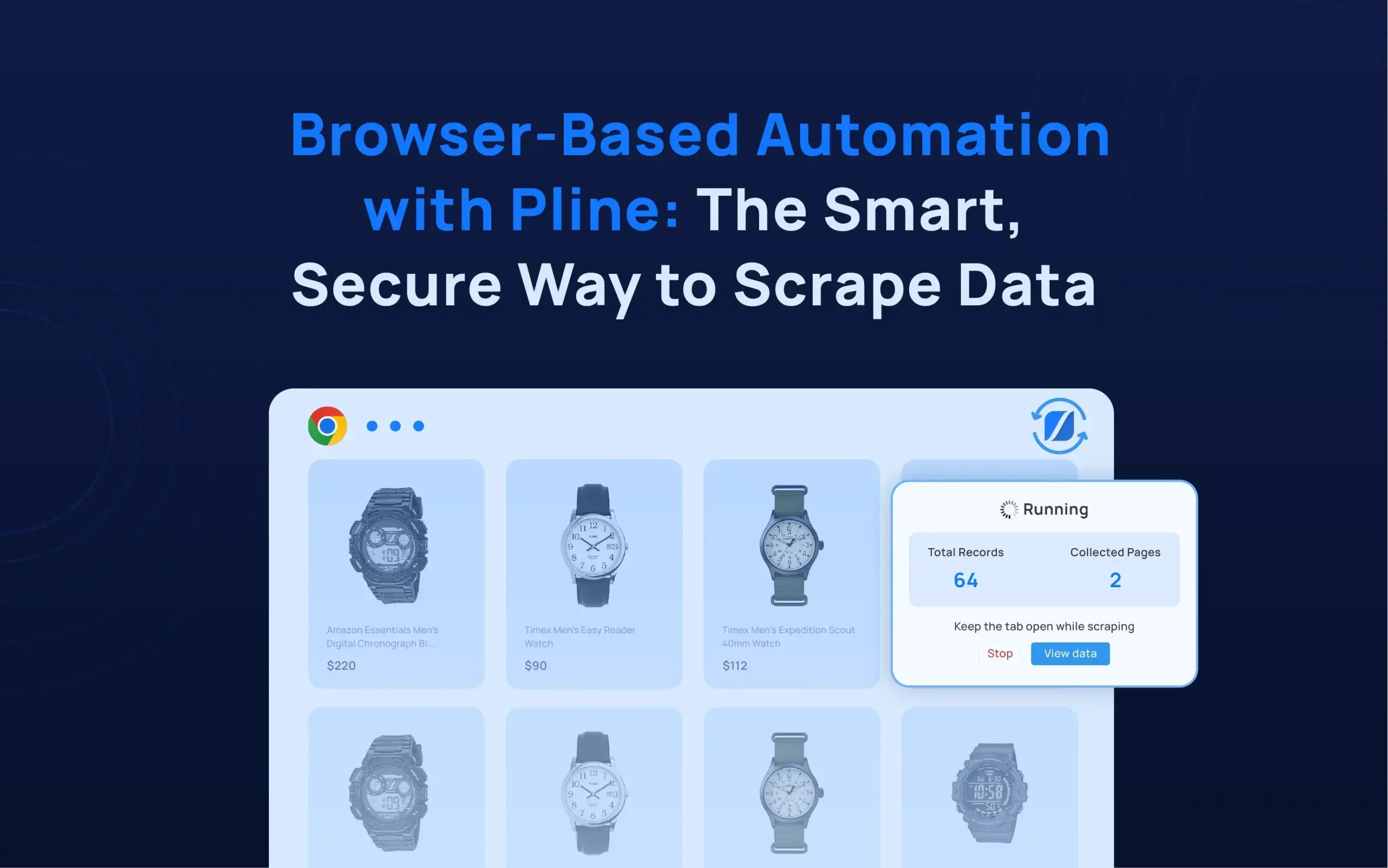
Pline is a web extension that works seamlessly on any Chromium browser, eliminating the need to switch between apps with an intuitive visual editor for easy web data extraction. At the core, Pline offers :
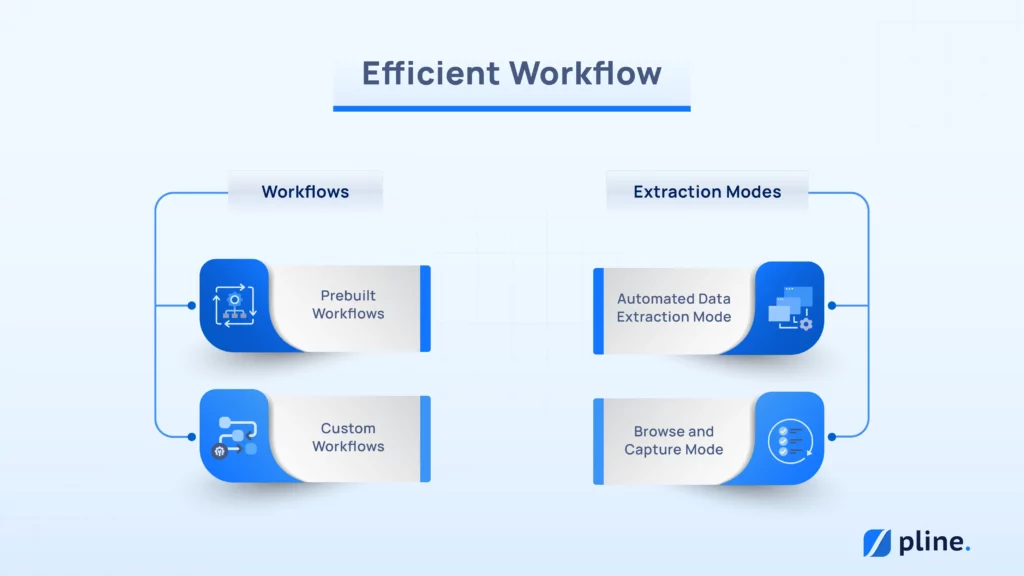
Two types of workflows:
- Prebuilt Workflows: Ready-to-use solutions for quick implementation.
- Custom Workflows: Tailored workflows to suit your unique needs.
Two extraction modes:
- Automated Data Extraction Mode: For fast and efficient data capture.
- Browse and Capture Mode: For precision and accuracy in data collection.
With Pline’s new built-in features like Team Collaboration, web data extraction is now more streamlined, efficient, and adaptable to any Ecommerce workflow need. To better demonstrate how Pline provides users greater control over their data operations, we compared it with Outsourcing.
Outsourcing Data Extraction Process Vs. Pline
In our evaluation of 100 top-rated data extraction freelancers from Upwork and Fiverr, we compared their services with Pline. Below is a detailed comparison of key components, including:
- Cost Efficiency
- Speed and Delivery
- Ease of Use
- Scalability and Customization
This comparison aims to encourage an informed decision on the most suitable option for data extraction needs.
1. Cost Efficiency
| Category | Pline | Upwork Freelancers | Fiverr Freelancers |
|---|---|---|---|
| Initial Cost | Free | ~$15/hr (average rate) | ~$30 per gig (average price) |
| Free Option Available | Yes | No | Yes (some gigs) |
| Pay as you use Pricing | Yes (Monthly/Annual Plans) | No (hourly rates) | No (fixed gig prices) |
| Cost Predictability | High (Fixed Monthly/Annual Plans ) | Low (Varies by freelancer rates) | Medium (fixed price but varies by gig) |
2. Speed and Delivery Time
| Category | Pline | Upwork Freelancers | Fiverr Freelancers |
|---|---|---|---|
| Response Time | Instant | 86% respond within 24 hrs | 55.5% deliver within 1 day, 33.3% within 2 days |
| Average Delivery Time | Instant to a few minutes | 1 day to weeks | 2 days to weeks |
| Activation Time | Less than 5 minutes | Hours to days, depending on the complexity of the project | 1-2 days, depending on gig complexity |
| Consistency | Very High | Medium (depends on freelancer availability) | Medium (depends on seller reliability) |
3. Ease of use
| Category | Pline | Upwork Freelancers | Fiverr Freelancers |
|---|---|---|---|
| Ease of Setup | Easy ( Less than 5 minutes) | Medium (depends on the project) | Easy (simple gig selection) |
| Reusability Speed | Instant | Medium (depends on the freelancer’s instructions) | Medium (depends on the freelancer’s instructions) |
| Coding Knowledge Required | None | Yes (depends on the project) | Yes (depends on the gig) |
| Learning Curve | Very Low (user-friendly) | Medium (depends on the freelancer’s instructions) | Low (straightforward gig-based workflow) |
| Support | Ongoing (help documents & FAQs) | Varies (depends on the freelancer’s communication) | Limited (depends on the seller’s response) |
4. Scalability and Customization
| Category | Pline | Upwork Freelancers | Fiverr Freelancers |
|---|---|---|---|
| Automation for Scaling | Fully automated, no extra cost | Manual intervention is required for scaling | Manual intervention is required for scaling |
| Consistency Over Time | Very High (automation removes human error) | Medium (depends on freelancer consistency) | Medium (depends on gig availability) |
| Full Control Over Data | Yes (adjust extraction settings) | Limited (depends on the freelancer’s work process) | Limited (depends on gig restrictions) |
| Custom Workflow Available | Yes (adapts to any website) | Yes (depending on the freelancer’s expertise) | No (limited to the gig’s predefined setup) |
Get Started
Pline makes data extraction simple and easy to follow with just a few straightforward steps:
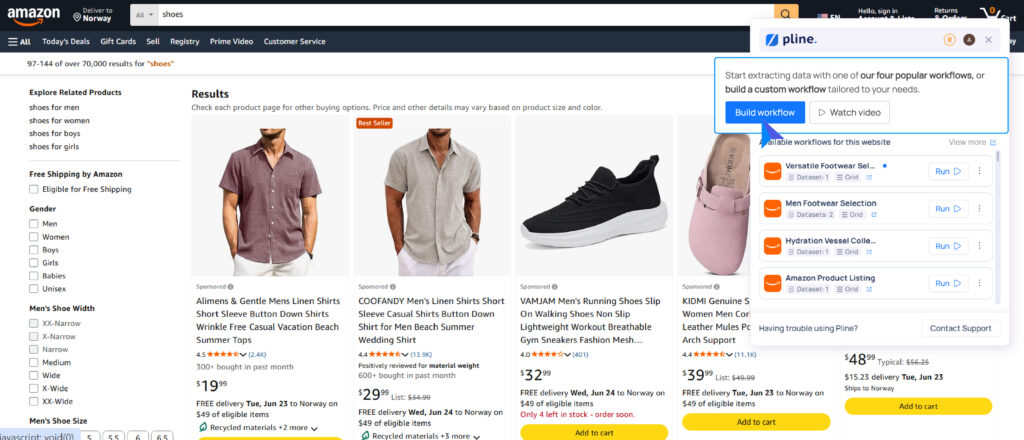
- Install Pline, navigate to an e-commerce site like Amazon’s product listing page, and build a workflow.
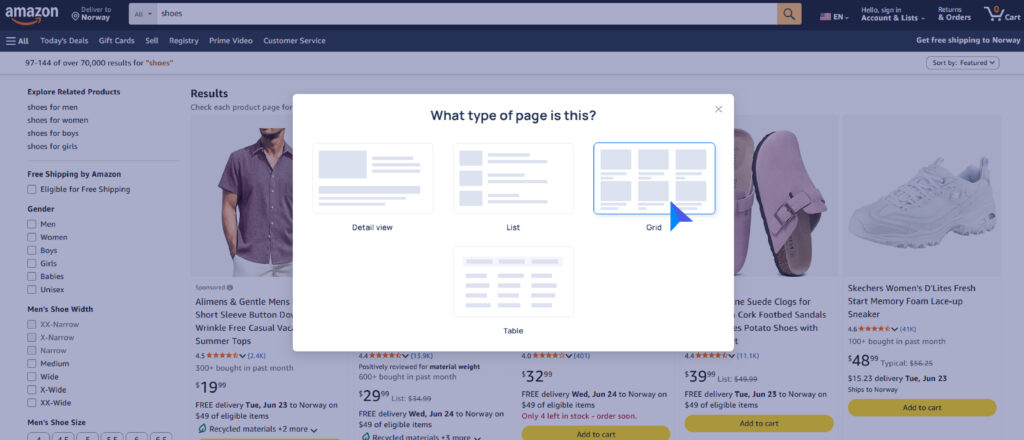
- Select the layout that matches the page structure.
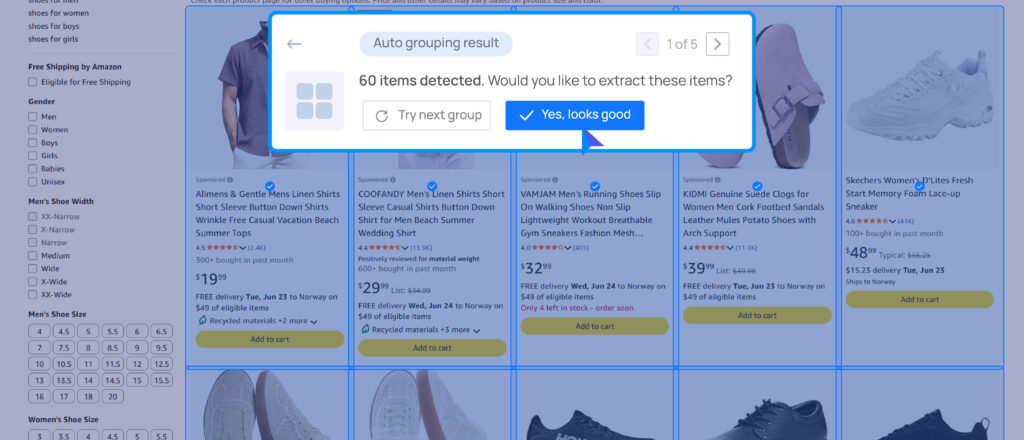
- Pline will automatically detect similar products, group them, and preselect fields for extraction. Review the grouping and click Yes, Looks good if everything is correct.
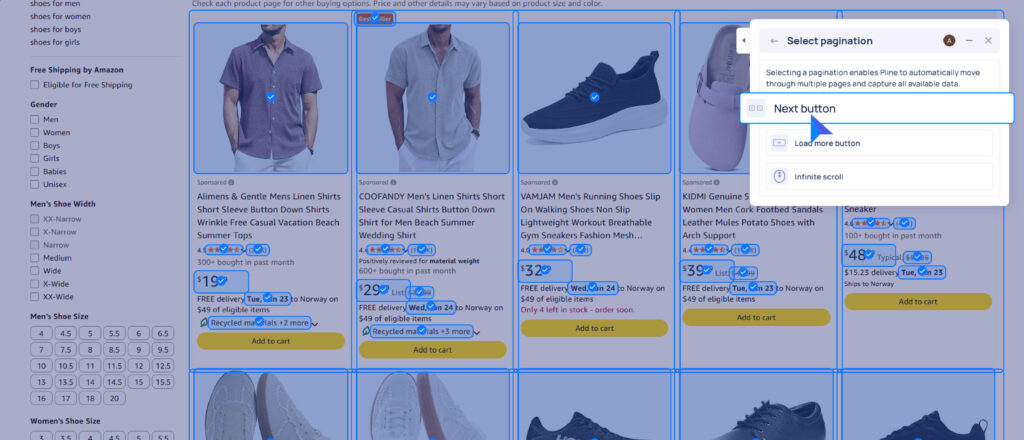
- Set up Pagination by choosing the Next Button, as Amazon typically loads more listings this way. Locate and select the Next Button.
- Preview the sample data, enter the workflow name, then save and run the Workflow to start extraction.
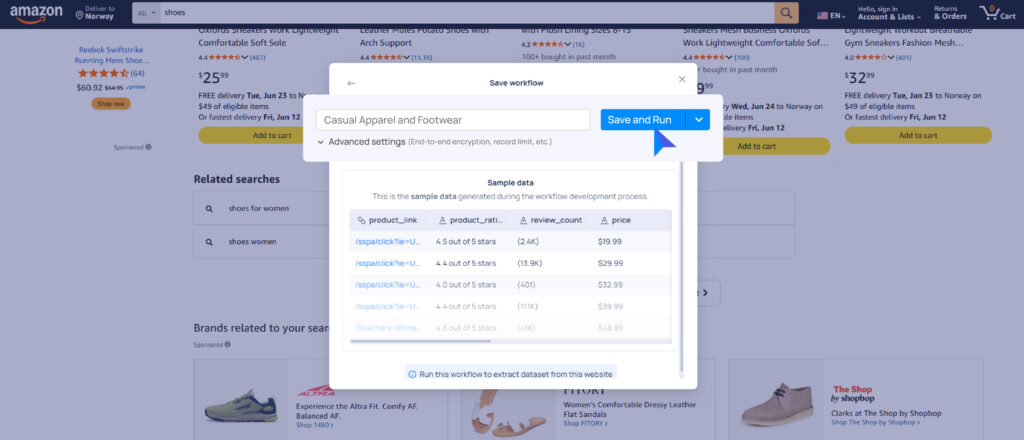
The exact process applies to other similar websites with slight adjustments. Once Pline completes data extraction, export it for further analysis.
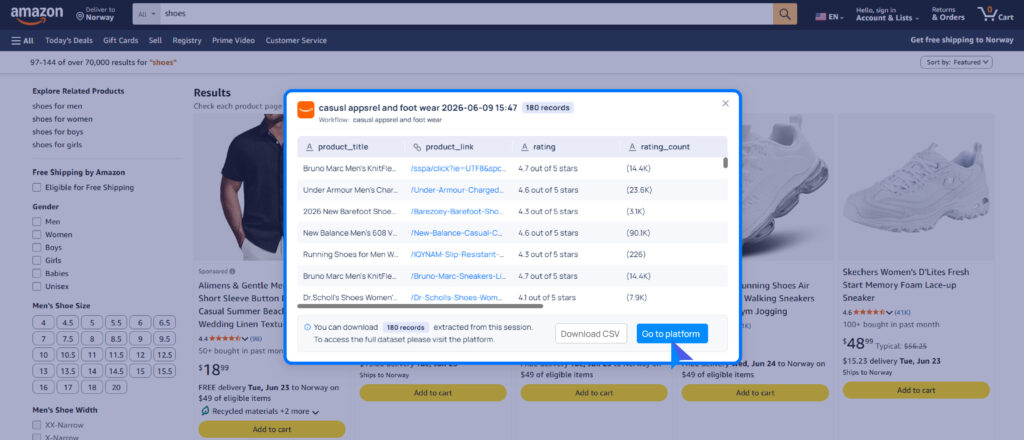
For detailed tutorials on Pline’s powerful features, please refer to the official documentation.
Conclusion
Pline redefines data extraction with a no-code, automated solution that delivers unmatched speed, consistency, and scalability. With it, you can take control of your data extraction processes, reduce costs, and easily make smarter business decisions.
Try Pline Today.